On this page
A WhatsApp QR code is one of those ideas that sounds almost too simple to deserve a strategy. Someone scans. WhatsApp opens.
Conversation starts. Done. And honestly, that simplicity is exactly why it works.

A WhatsApp QR code can turn a storefront, receipt, package or business card into a direct conversation. The QR code is the easy part. The real question is what happens after the customer scans it.
Lynka Team · October 10, 2026 · Updated October 14, 2026 · 12 min read · Lead Generation
Follow Lynka on Google
Get new articles in your preferred sources.
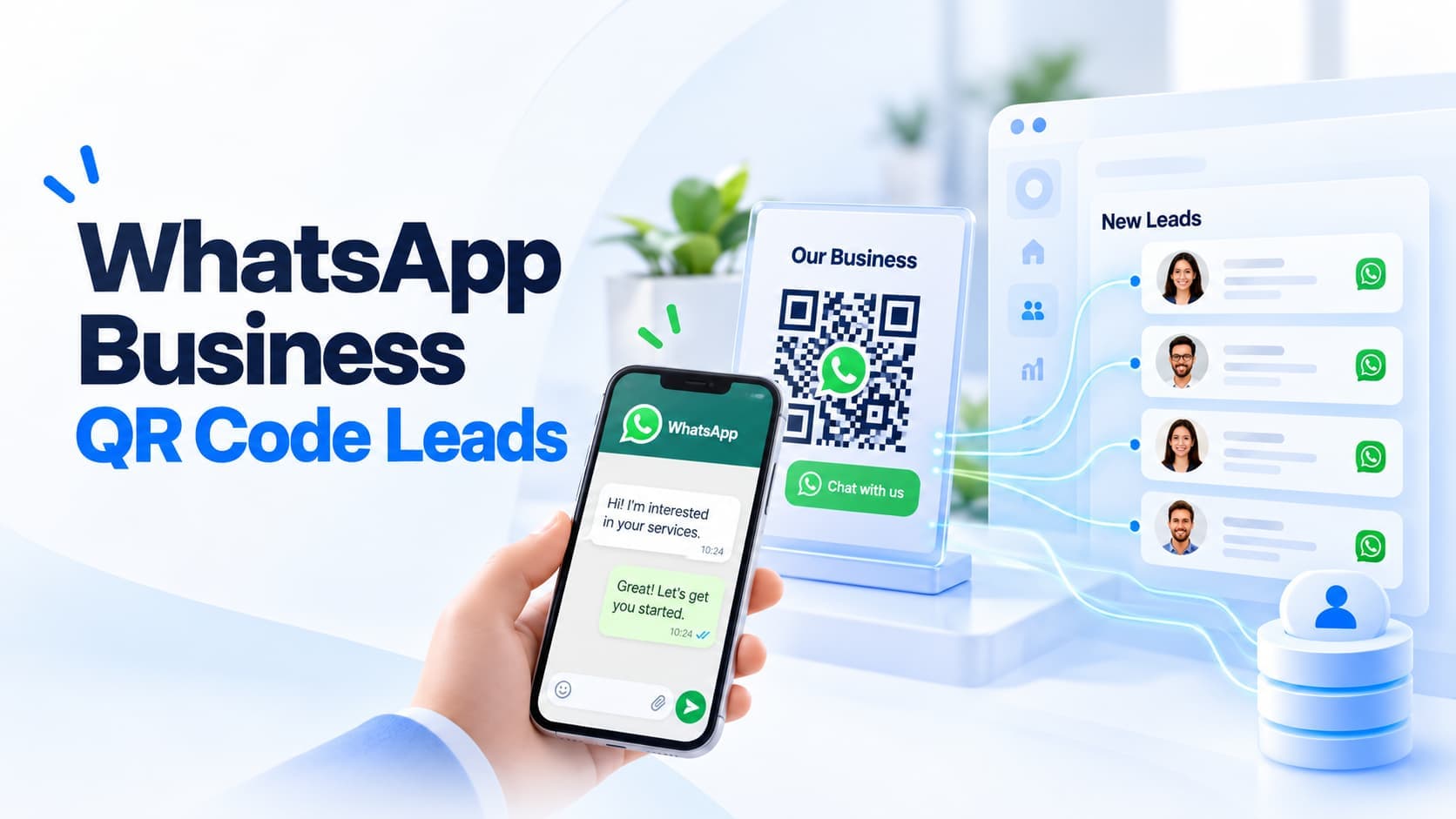
A WhatsApp QR code is one of those ideas that sounds almost too simple to deserve a strategy. Someone scans. WhatsApp opens.
Conversation starts. Done. And honestly, that simplicity is exactly why it works.
WhatsApp itself describes business QR codes as a way to make it easier for customers to start a chat without manually saving a phone number first. Businesses can display the code on storefronts, product packaging, receipts and other physical material. WhatsApp's official explanation is here.
But there is a difference between:
getting a chat
and
generating a lead.
The QR code handles the first part. Your process handles everything after it.
A WhatsApp Business QR code is a scannable code that opens a conversation with a business account. Instead of telling a customer:
Save this number, open WhatsApp, find the contact, then send us a message.
you tell them:
Scan this.
That removes several tiny pieces of friction. WhatsApp Business also lets a business define a default message that the customer can send after scanning. The WhatsApp Help Center explains how to share the QR code and edit that default message.
That default message is more useful than it looks. Because:
Hi
is not a lead.
Hi, I want pricing for the catering package for 40 people
is much closer.
Anywhere the customer is physically or digitally close to a buying question. Good examples:
The rule is simple:
Put the QR code where a conversation naturally makes sense.
Do not stick it on everything because QR codes exist. A funeral home probably does not need one printed on the bathroom mirror. Context matters.
This is the interesting part. Most offline marketing has a measurement problem. Someone sees a poster.
Then what? Maybe they remember the brand. Maybe they search later.
Maybe they forget immediately. A WhatsApp QR code gives the physical object a direct next action. For example:
Restaurant table card
Need catering for an event? Scan to ask.
Real estate sign
Interested in this property? Scan to message the agent.
Retail receipt
Need help with your purchase? Scan for WhatsApp support.
Trade-show banner
Want the price list? Scan and message us.
That moves the person from:
looking
to
talking.
For many small businesses, that is a much more useful conversion than sending them to a generic homepage.
This is where most businesses waste the feature. They use:
Hello
Great. Now the salesperson has to ask:
How can we help?
Then:
Which product?
Then:
Where are you located?
Then:
What quantity?
The customer did the work of scanning the code. Use that moment better. For example:
Hi, I'd like catering information for an event.
Hi, I'm interested in the property at [location].
Hi, I'd like to ask about a service appointment.
Hi, I'd like your wholesale price list.
Hi, I'd like to discuss a project.
The message does not need to collect every detail. It needs to start the correct conversation.
This is one of the easiest improvements. Suppose a business uses one WhatsApp QR code everywhere. The message is:
Hi, I need help.
Now the business has no idea where the person came from. Instead, create different links or QR experiences for different placements where your setup allows it. For example:
Hi, I scanned the code at your Osu store and have a question.
Hi, I scanned the QR code on my receipt and need help with an order.
Hi, I met you at the expo and want the product catalogue.
Hi, I'm asking about the East Legon property.
Now the first message contains attribution. Not perfect attribution. But useful attribution.
They usually lead to the same destination:
a WhatsApp conversation. The difference is where they work best.
Best when the customer is looking at something on another screen or in the physical world. Examples:
Best when the customer is already on a phone or website. Examples:
Do not make somebody scan a QR code displayed on the same phone they need to scan it with. That is how technology starts bullying people. Use the format that matches the context.
WhatsApp Business provides its own QR code inside the app. According to the current Help Center instructions, business users can open the Tools area, access their short link, view the QR code and share it. Businesses can also change the default message customers see when they scan. See WhatsApp's current instructions.
If you need a simple QR code for a WhatsApp conversation link, Lynka also has a free tool:
Create a WhatsApp QR code with Lynka The important thing is not which generator you use. The important thing is testing the final code before printing 10,000 brochures. Please test it.
A code working on your laptop does not mean it works on the banner. Print size matters. Contrast matters.
Lighting matters. Placement matters. Distance matters.
The surface matters. A tiny QR code printed on glossy curved packaging is not the same as a large code on a flat poster. Before production:
This five-minute test can save a very annoying reprint.
The code needs a reason. Not an essay. Good:
Ask us on WhatsApp
Good:
Scan for wholesale pricing
Good:
Scan to book
Good:
Questions about this property? WhatsApp us.
Bad:
Scan the QR code below using your smartphone camera to access our WhatsApp Business communication experience.
Nobody needed that sentence. The CTA should explain the value of scanning.
A beautiful QR campaign can still fail like this:
Customer scans at 2:14 PM. Message sent. Business replies tomorrow at 11:37 AM:
Hello dear customer how may we assist you
You did not generate a lead. You generated disappointment. The QR code increases access.
That means the business has to handle the access. Think through:
The marketing asset should not create a queue nobody owns.
This distinction is important. WhatsApp is excellent for talking. It is not automatically the best place to manage an entire sales pipeline.
At small volume, you may remember:
That customer with the blue profile picture wanted 20 chairs.
At higher volume, conversations become difficult to organize around business state. You still need answers to:
Is this person a real lead?
Who owns them?
What do they want?
Were they qualified?
Did we quote them?
What happens next?
That is CRM work. The best setup often looks like:
QR code → WhatsApp conversation → qualified lead → CRM
Not every chat needs to become a CRM record. That would be chaos. But the useful ones should not stay trapped in someone's message list forever.
Use a simple qualification flow.
What do they need?
Depending on the business:
Name. Company if relevant. Useful contact details.
Support question? Existing customer? Spam?
New sales opportunity?
Create the lead in your CRM. Record enough context so the next person does not start from zero.
Follow up. Send quote. Book meeting.
Call tomorrow. Do not end with:
Okay noted.
That phrase has killed many sales processes.
The code should reflect the job.
CTA:
Get a quote on WhatsApp
Default message:
Hi, I'd like a quote for [service].
CTA:
Need help? Message support.
Default message:
Hi, I need help with order number ______.
CTA:
Tell us how we did.
Default message:
Hi, I'd like to share feedback about my visit.
Same channel. Different intent. This reduces the work required after the scan.
Digital-first companies already have buttons everywhere. Physical businesses have a harder gap. The customer may be standing in front of:
The QR code connects that physical moment to a digital conversation. That is why WhatsApp's original launch examples focused on storefronts, packaging and receipts. Meta's announcement described QR codes as a "digital front door" for starting chats with businesses.
That phrase is actually accurate. A good QR code is not the destination. It is the door.
If you print QR codes in five places, you should eventually know which ones matter. Possible placements:
If each uses a distinct prefilled message, campaign parameter or trackable link before WhatsApp where appropriate, you can begin comparing them. Maybe packaging generates support. Maybe receipts generate reviews.
Maybe storefront signage generates actual sales enquiries. Now you can decide what to keep. Otherwise the strategy becomes:
People seem to scan it sometimes.
Very scientific.
This is the main point. You can generate one in 20 seconds. That is not the hard part.
The hard part is deciding:
Where should it live?
Why should someone scan it?
What should the first message say?
Who responds?
How fast?
How do we qualify the conversation?
When does it become a lead?
How do we follow up?
That is the system. The QR code is just the square.
For a small business, start here:
Choose one high-intent location. Example:
checkout receipt.
Need a quote for your next order? WhatsApp us.
Hi, I ordered from you before and want pricing for another order.
One team member owns new sales chats.
Ask:
Create qualified leads.
Create a clear next action.
After 30 days, count:
Now you know whether the QR code does anything useful.
Lynka already has a free WhatsApp QR Code Generator for creating the code itself. But the more important part begins after the scan. Once the conversation becomes a genuine sales opportunity, you need somewhere to manage the relationship, qualification, deal and next action.
That is what the CRM is for. Explore Lynka Sales See Lynka Lead Generation Create a WhatsApp QR code
It does one job. It gets the right person into the right conversation with the least possible friction. That is enough.
Do not turn it into a campaign because QR codes feel modern. Put it somewhere useful. Give people a reason to scan.
Start the conversation with context. Then make sure somebody actually handles the lead. The scan is not the conversion.
The conversation is not even necessarily the conversion. The business outcome comes later. The QR code just makes the first step stupidly easy.
That is why it works.
It is a QR code that lets customers open a conversation with a WhatsApp Business account without manually saving the business phone number first.
WhatsApp Business provides a QR code through its business tools and short-link settings. The exact navigation can vary by app version.
Yes. WhatsApp Business lets the business define a default message customers can use to start the conversation.
Useful locations include storefronts, receipts, product packaging, menus, signs, event booths, brochures and business cards, especially where a customer may naturally want to ask a question.
It can be. The code reduces friction when starting a conversation, but lead generation depends on how the business qualifies the chat, captures useful information and follows up.
They can lead to the same conversation. A QR code is better for physical materials or another screen, while a clickable link is usually better when the customer is already on a phone or website.
Yes. WhatsApp Business provides its own QR code, and free WhatsApp QR code generator tools are also available.
No. Businesses should decide which conversations represent real sales opportunities and then add or sync those qualified leads into their CRM process.
Keep the next step connected
Bring prospecting, follow-up, sales and the work after the sale into one connected workspace.
Keep reading
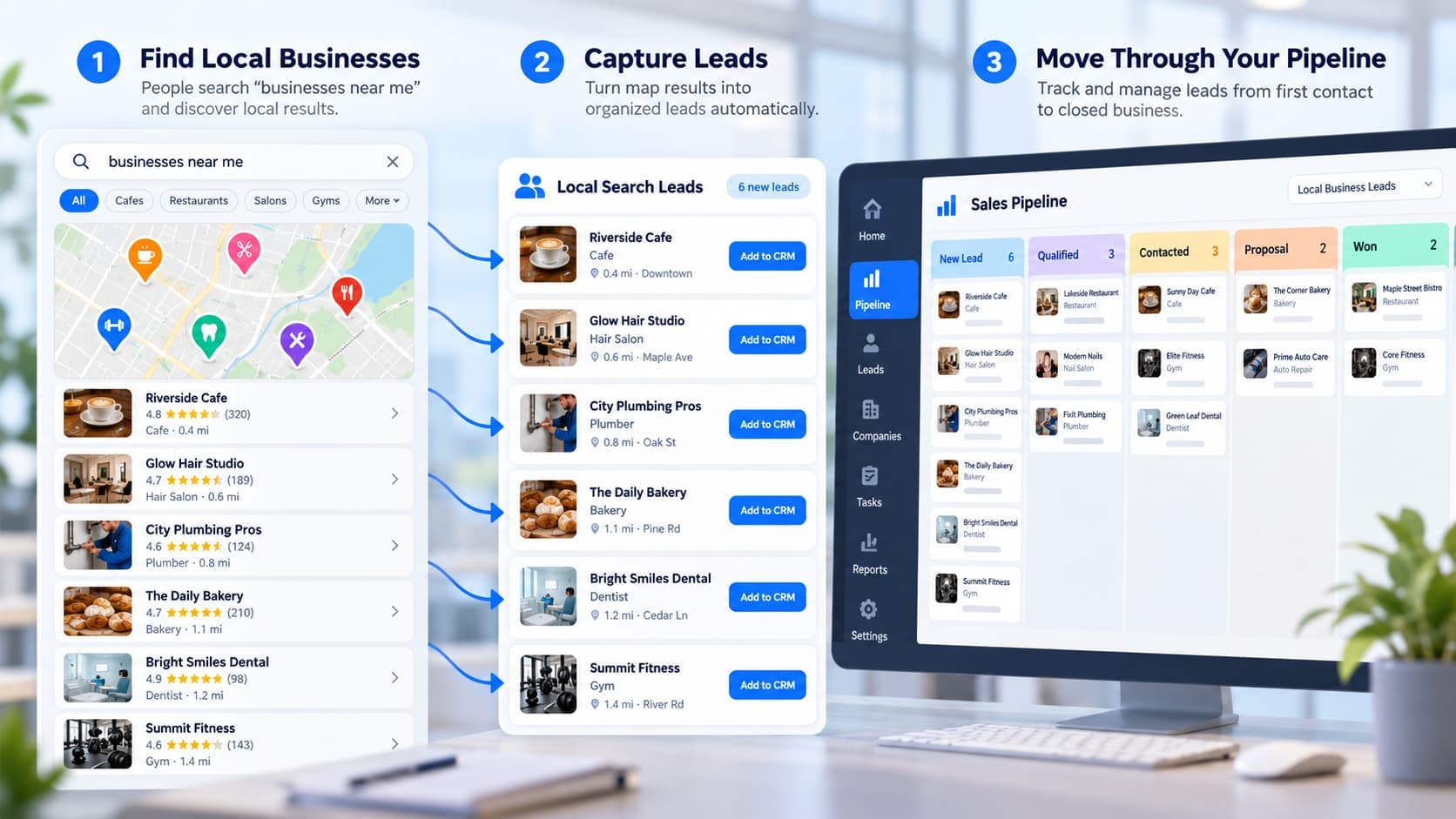
Local lead generation is not just running ads or ranking on Google Maps. The real work is finding the right prospects, qualifying them and following up before they disappear.
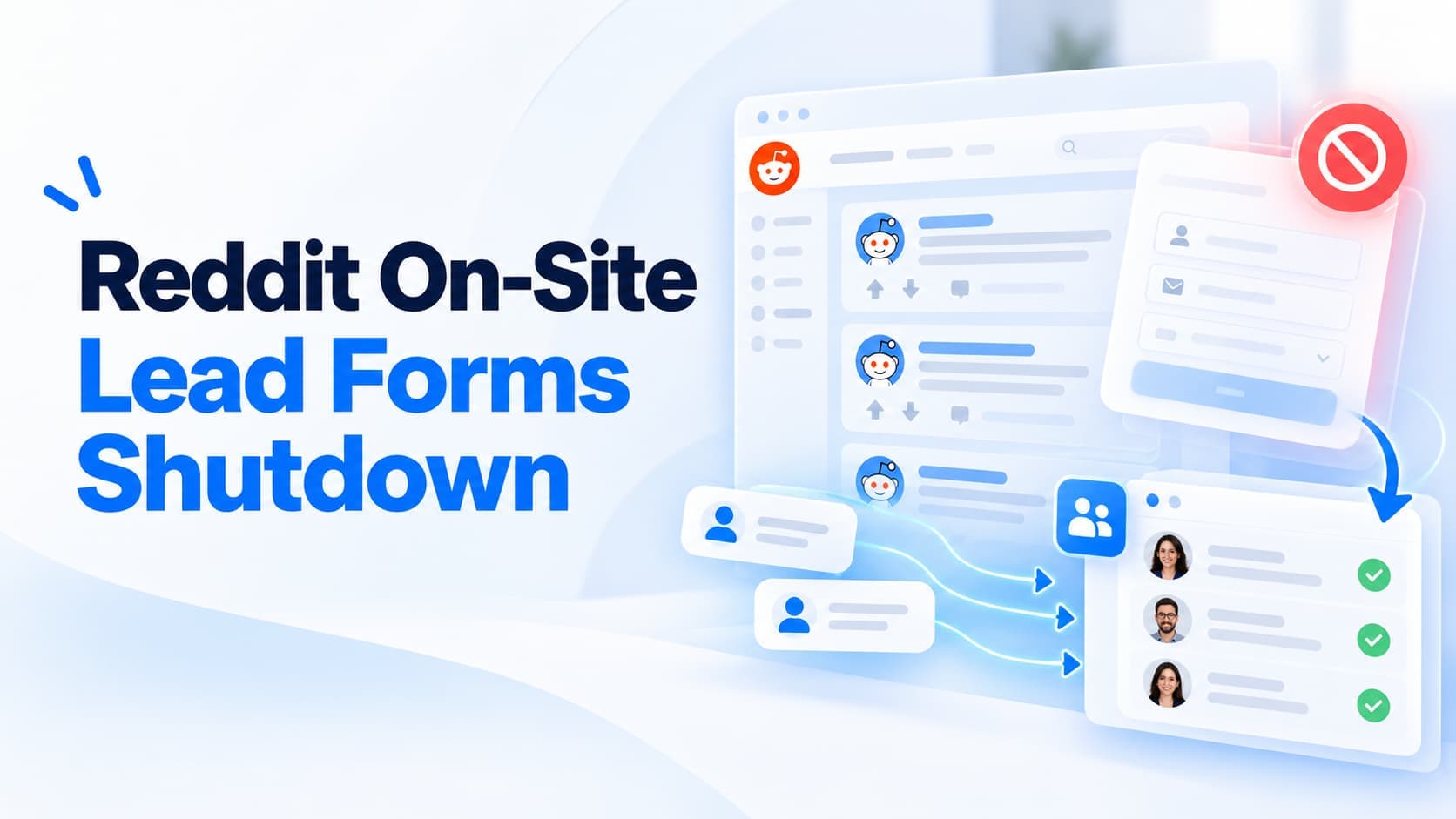
Reddit stopped supporting onsite lead generation forms and paused ads that depended on them. Advertisers now have to send prospects to their own forms and measure conversions with Reddit Pixel or Conversions API. That changes more than the form.
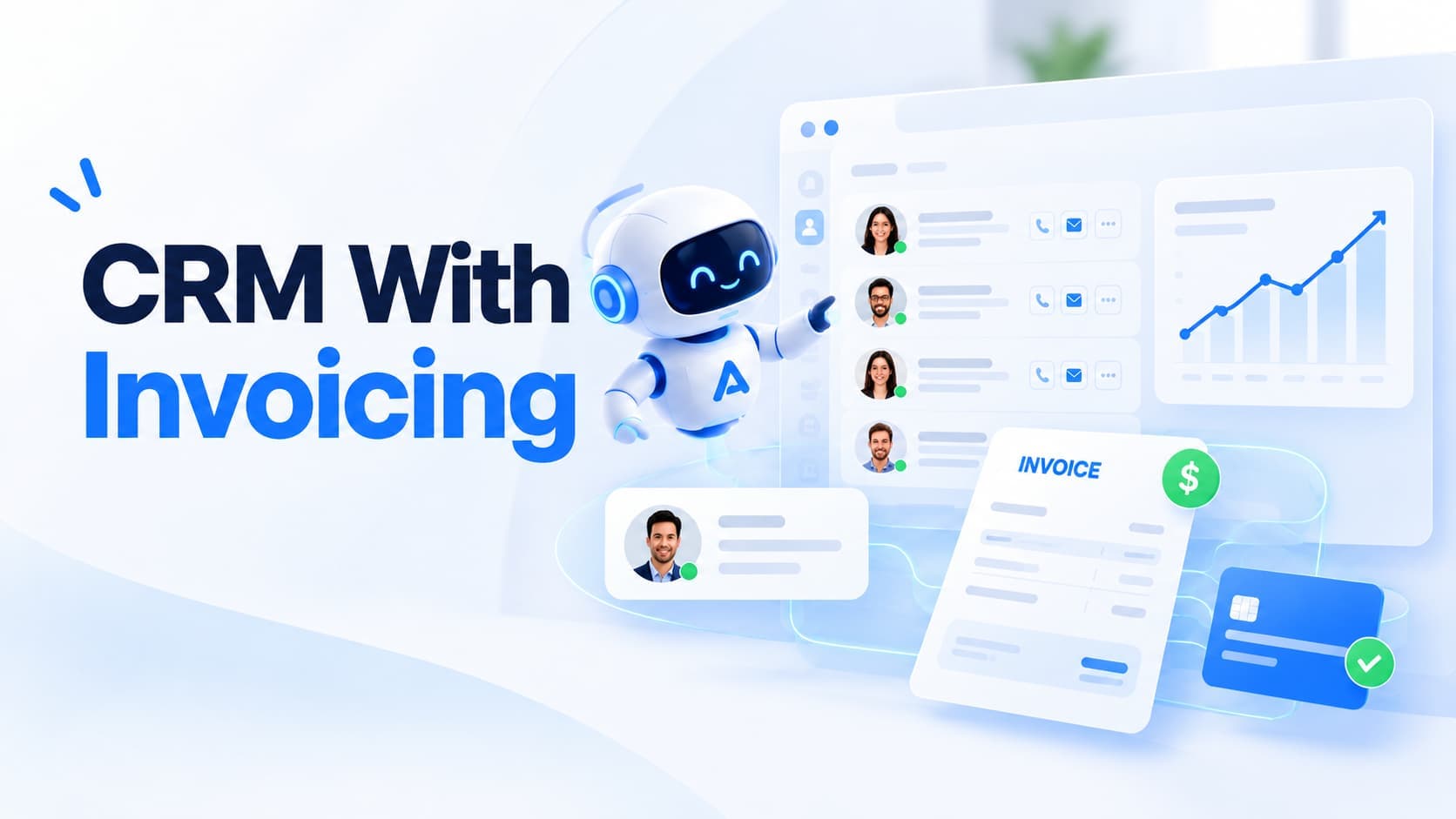
A CRM in one tab, proposals in another, invoices somewhere else and accounting exports at month-end can work for a while. Then the handoffs become the job. Here is when combining CRM and invoicing actually makes sense.