Start with the market you actually want
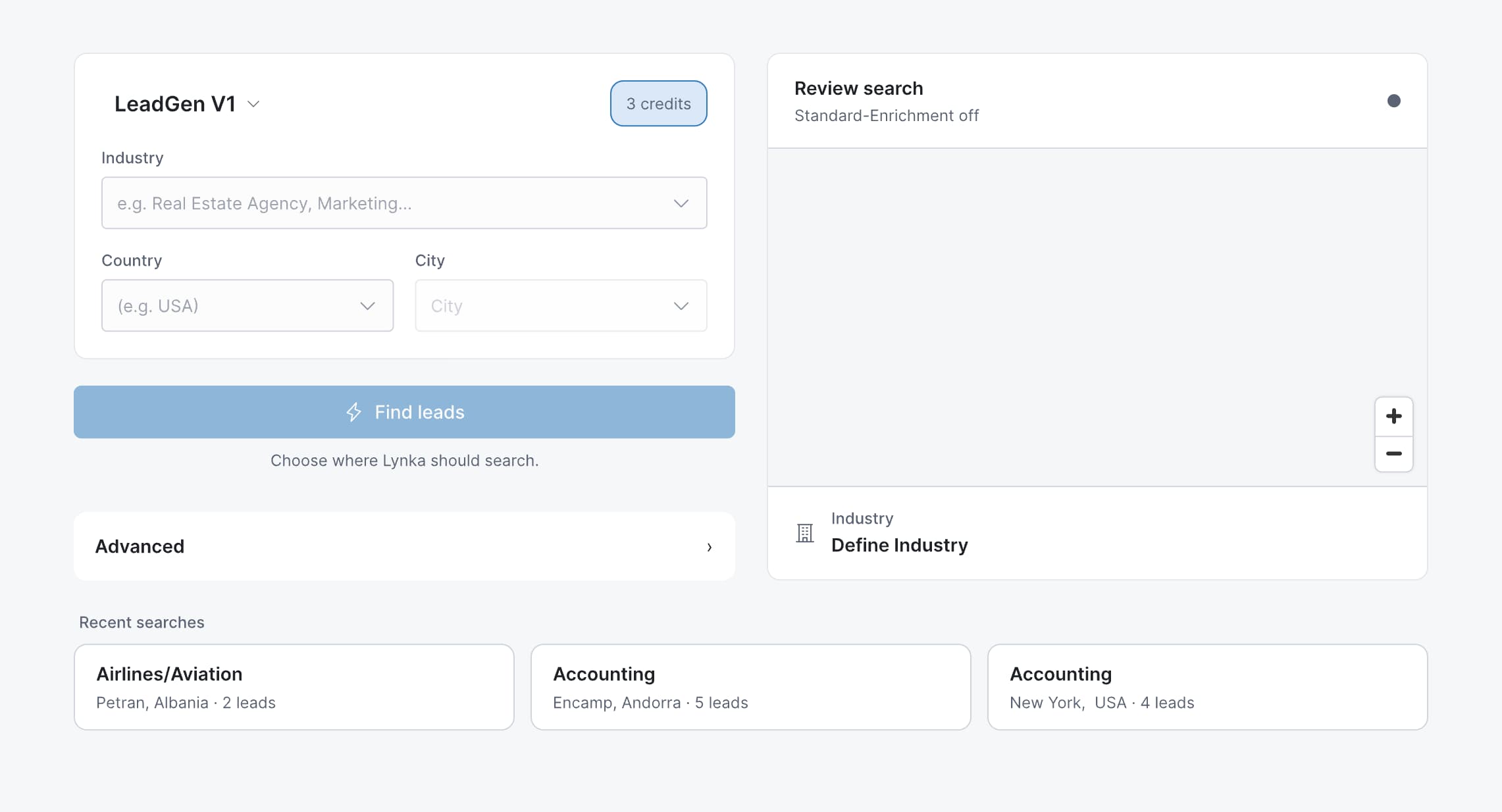
Choose a country, city and industry, then make the search more specific with terms and available filters.

Search a market, review available business details and save the prospects worth contacting into Sales. Add an owner and a next step so the list is ready to work.
You run each search yourself. Results come from public or third-party business data and vary by market. Lynka does not send outreach; you choose which businesses to save and how to contact them.
Choose a country, city and industry, then make the search more specific with terms and available filters.
The current LeadGen credit cost is shown before the search begins.
Results can include business name, website, phone, email, address, category, location, ratings, reviews, social links and a business description when those details are available.
Search around the geography and type of business you care about instead of scrolling through an oversized directory.
This works well when you know the market you want to sell into but do not already have a prospect list.
Exploration and sales work are kept separate. A business only enters Sales when you choose to save it.
That keeps the CRM focused on prospects somebody has decided are worth attention.
Assign an owner or team, set priority and next action, and add notes, tags, source information or qualification details.
Calls, meetings, emails and tasks can be scheduled against the prospect. When a genuine opportunity develops, create a deal and keep working from the sales history already there.
Lead Generator is aimed at small teams that do not want prospect research to become a separate admin project.
Search, review, save and continue the work in Sales without exporting a CSV just to begin follow-up.
You can search using country, city, industry, search terms and the filters available for that search.