
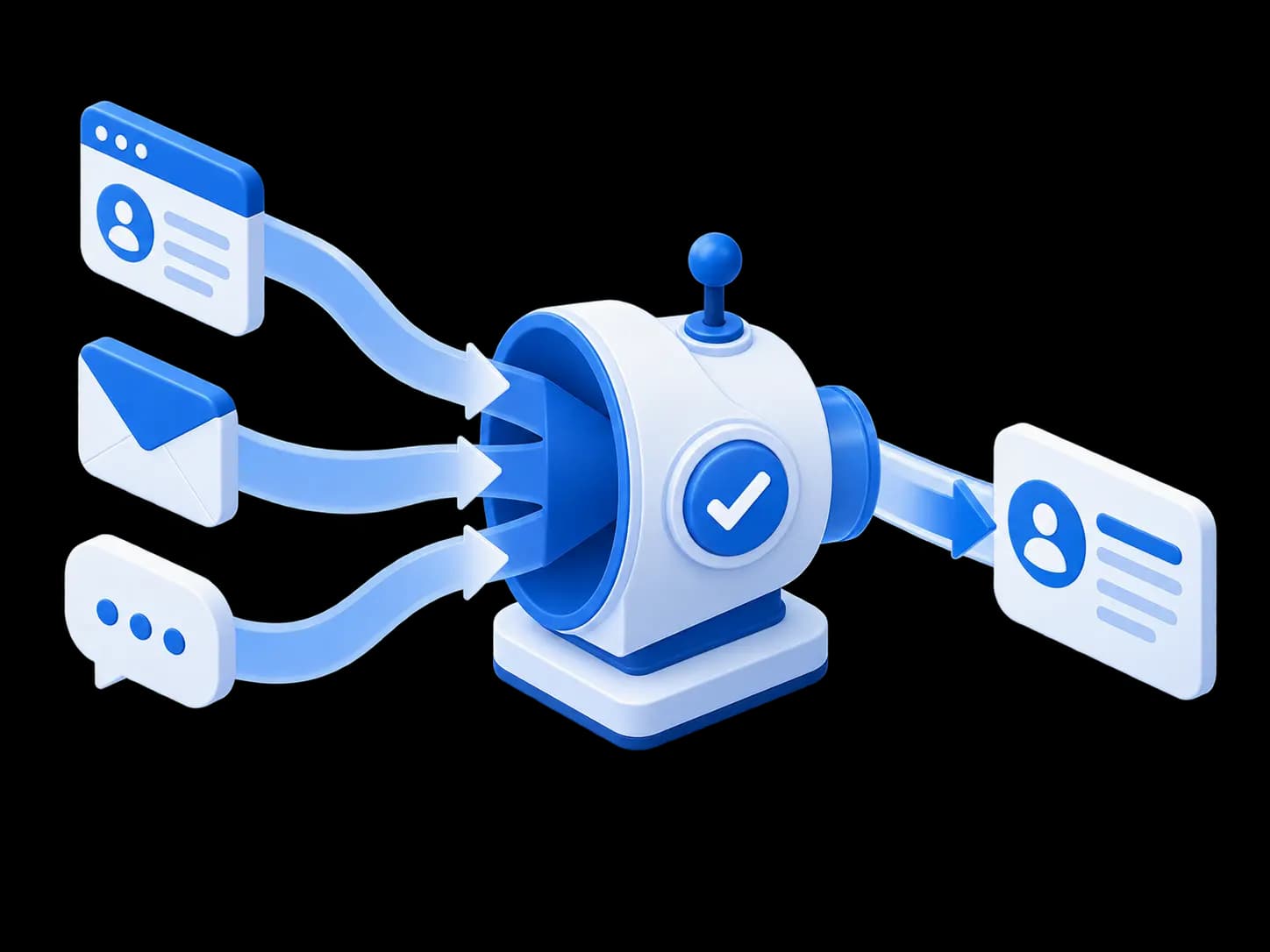
Connect Lynka to the AI tools you already use Bring Claude, ChatGPT, and more into your everyday workflow.

Cookie consent

By clicking “Allow analytics”, you agree to the optional analytics cookies described in our Privacy Policy. Essential storage keeps Lynka working.

Privacy policy
Lynka
Pricing
Sign inGet started free

Sales / Lead Management

Work the lead before you put it in the pipeline.

Capture the prospect, assign ownership, schedule follow-up and record the qualification details that tell you whether there is a real opportunity to pursue.

Start FreeSee pricing
Lead Management illustration
OverviewLead ManagementSales PipelineCompanies & ContactsActivities & Follow-upsLead ScoringGmail for SalesSales Targets

Give every new lead enough information to work

A lead can carry the company or contact name, email, phone, mobile number, website, location, industry, source, owner, team, tags, notes and custom fields. The point is not to fill every field. It is to keep the information that will affect the next sales decision on the record.

Lead source is split into a source category and source detail, so a team can distinguish the broad channel from the exact place the lead came from instead of stuffing both into one text field.

Lead capture
Capture form
What gets collected.
Company name
Northstar Logistics
Website
northstar.example.com
Country
United States
Size
11-50 employees
Saved result
What becomes usable downstream.
Source
Website inquiry
Assigned owner
Maya Bennett
Lead score
340
Routing
Sales · Qualified review
Next step
Call within 30 minutes

Assign the lead before follow-up becomes somebody else’s job

Put an owner or team on the lead and record the next activity with a due date. Calls, meetings, tasks, emails and other follow-ups can stay attached to the prospect rather than living in a rep’s notes or calendar alone.

Overdue activities remain identifiable, which gives a manager a practical way to find leads that have gone quiet because nobody completed the next step.

Lead scoring and next actions
Focus on decision support.
Priority
Lead score
340
Fit
High
Intent
Very high
Activity
Pricing 2x
Owner
Jordan Lee
Cadence preview
Action
Timing
Intro email
Immediate
Qualify call
2d later
Send quote
Post-call
Follow-up
3d later

Qualify the opportunity before it enters the deal pipeline

Lynka keeps lead qualification separate from deal management. A rep can confirm whether there is a real need, whether a decision maker has been identified, whether budget has been discussed, whether timing is known and what should happen next.

Qualification notes and completion details remain with the lead. When the prospect is ready to become an opportunity, the deal can start with the qualification details already gathered.

Pipeline & deal velocity
Real-time pipeline monitoring and immediate next steps.
Pipeline momentum
See what is moving and what is at risk.
Pipeline
$352K
Won month
$48.5K
Open deals
12
Trend
Next actions
Account
Action
Due
BluePeak
Quote
Today
Harbor Med
Terms
Tmrw
Northstar
Qualify
Today

Use priority, scoring and qualification for different decisions

Priority is a sales choice about attention. Lead scoring is a numeric signal with reasons. Qualification records whether the team has confirmed the conditions it needs before creating a deal.

Keeping those concepts separate prevents one number from pretending to answer every sales question.

Lynka
Lead review
Enrichment
Routing
Save lead
Data enrichment
Configure field mapping
Search criteria
contact@northstarlogistics.com
CRM field
Existing information
Enriched information
Phone
+1 310 555 0146
+1 310 555 0193
Street
No data
280 Harbor Drive
City
No data
Los Angeles
State
No data
California

Keep research and activity around the same prospect

Business descriptions, ratings, social or map links, notes and activity can sit beside the contact information when those details are available.

That gives the next rep more than a row in a list. They can see what is already known, what has happened and what still needs to be checked before another contact attempt.

Measure what happens before the pipeline

Sales reporting includes New Leads Trend, Lead Sources, Lead Response Time and Lead-to-Qualified Rate. The Lead-to-Win Funnel follows the same lead cohort through qualification, opportunity creation and the eventual opportunity outcome.

Those reports help separate a lead-volume problem from a qualification problem or a closing problem.

A clean pipeline starts before the pipeline. New inquiries, researched prospects and partially qualified accounts do not all deserve a deal on day one.

Use Leads for the work that decides whether a prospect should become an opportunity.

Lynka gives early-stage prospects their own place. Reps can research, follow up and qualify a lead without treating every new name as forecastable pipeline.

Continue through Sales

Sales overview

Manage leads, deals and follow-ups in one sales workspace.

Sales Pipeline

Go deeper into the sales workflow.

Companies & Contacts

Go deeper into the sales workflow.

Find businesses and choose which prospects to save

Search a market, review businesses and save selected prospects into Sales.

Questions about Lead Management

What information can I keep on a lead?

Company and contact details, email, phone, location, industry, source, owner, team, tags, notes, custom fields, priority, scoring information and qualification details can all be associated with a lead.

Lynka

Lynka combines business lead generation and CRM, so smaller businesses can find prospects and manage customer work in one place.

LinkedInFacebookInstagram

Explore Lynka with AI

Product

  • Free CRM
  • Overview
  • Lead Generation
  • Sales
  • Agreements
  • Inventory
  • Accounting
  • Support
  • Marketing
  • Reporting

Built For

  • Overview
  • Small businesses
  • All industries
  • Agencies
  • Consultants & professional services
  • Distributors & wholesalers
  • Field service businesses
  • Small sales teams

Workflows

  • Agency Prospecting
  • Distributor Sales
  • Advisory Billing

Compare

  • vs HubSpot
  • vs Pipedrive
  • vs Zoho CRM
  • vs Excel

Company

  • Pricing
  • About
  • Support
  • Contact
  • Developer resources
  • Docs
  • Free tools
  • Blog

Legal

  • Privacy Policy
  • Terms of Service
  • Refund Policy
  • Data Processing Agreement
  • Security
  • Subprocessors
  • Service and Support
  • Acceptable Use
  • Cookie Policy
© 2026 Lynka. All rights reserved.