
Build your sales, quotes, inventory and support in one place with Lynka.See pricing
Lynka
PricingAboutSupportDocsFree tools
Sign inStart free

Customer Support / Support Reporting

Five support reports for the questions a manager asks every week.

Review incoming ticket volume, first reply time, resolution time, backlog and SLA compliance, then narrow the result by the team, assignee, status, priority or category behind it.

Start freeSee pricing
Lynka
Overview
Tickets
New
⌂
◔
≣
⌁
▦
Search tickets...
My records
New
1
Activation issue
Unassigned
New
Due today
Open
1
Billing question
Maya Bennett
Open
Response due in 2h
In progress
1
Integration setup
Jordan Lee
In progress
Waiting on customer
Activation issue
Case overview 16043
New
Details
History
Documents
Tasks
Status
New
Priority
Medium
Ticket
Activation issue
Company
Northstar Logistics
Assignee
Jordan Lee
Category
Onboarding
Due
2026-07-31
Issue description
Customer requested a guided setup for initial activation.
OverviewSupport TicketsSLA & QueuesSupport Reporting

How much support work is arriving?

Incoming Ticket Volume counts tickets created over time. Short ranges can be shown at a finer time grain while longer ranges are grouped more broadly so the trend stays readable.

Use it to compare demand across teams, priorities, categories, statuses or assignees rather than relying on the current open-ticket count alone.

Lynka
Overview
Tickets
New
⌂
◔
≣
⌁
▦
Search tickets...
My records
New
1
Activation issue
Unassigned
New
Due today
Open
1
Billing question
Maya Bennett
Open
Response due in 2h
In progress
1
Integration setup
Jordan Lee
In progress
Waiting on customer
Activation issue
Case overview 16043
New
Details
History
Documents
Tasks
Status
New
Priority
Medium
Ticket
Activation issue
Company
Northstar Logistics
Assignee
Jordan Lee
Category
Onboarding
Due
2026-07-31
Issue description
Customer requested a guided setup for initial activation.

How long did customers wait for the first answer?

First Reply Time measures the time between ticket creation and the first recorded response.

This is different from resolution time. A support team can be quick to acknowledge tickets while still taking too long to solve them.

Lynka
Overview
Tickets
New
⌂
◔
≣
⌁
▦
Search tickets...
My records
New
1
Activation issue
Unassigned
New
Due today
Open
1
Billing question
Maya Bennett
Open
Response due in 2h
In progress
1
Integration setup
Jordan Lee
In progress
Waiting on customer
Activation issue
Case overview 16043
New
Details
History
Documents
Tasks
Status
New
Priority
Medium
Ticket
Activation issue
Company
Northstar Logistics
Assignee
Jordan Lee
Category
Onboarding
Due
2026-07-31
Issue description
Customer requested a guided setup for initial activation.

How long did completed cases take to resolve?

Resolution Time uses the completed resolution or close timestamp to measure how long finished cases took.

The report can be narrowed by team, assignee, priority, category and status to find where slow resolutions are concentrated.

Lynka
Overview
Tickets
New
⌂
◔
≣
⌁
▦
Search tickets...
My records
New
1
Activation issue
Unassigned
New
Due today
Open
1
Billing question
Maya Bennett
Open
Response due in 2h
In progress
1
Integration setup
Jordan Lee
In progress
Waiting on customer
Activation issue
Case overview 16043
New
Details
History
Documents
Tasks
Status
New
Priority
Medium
Ticket
Activation issue
Company
Northstar Logistics
Assignee
Jordan Lee
Category
Onboarding
Due
2026-07-31
Issue description
Customer requested a guided setup for initial activation.

What is still sitting in the queue?

Ticket Backlog by Status counts open tickets by their current status at the reporting point.

That helps distinguish a busy team that is closing work from a queue where open cases are accumulating in a particular stage.

Lynka
Overview
Tickets
New
⌂
◔
≣
⌁
▦
Search tickets...
My records
New
1
Activation issue
Unassigned
New
Due today
Open
1
Billing question
Maya Bennett
Open
Response due in 2h
In progress
1
Integration setup
Jordan Lee
In progress
Waiting on customer
Activation issue
Case overview 16043
New
Details
History
Documents
Tasks
Status
New
Priority
Medium
Ticket
Activation issue
Company
Northstar Logistics
Assignee
Jordan Lee
Category
Onboarding
Due
2026-07-31
Issue description
Customer requested a guided setup for initial activation.

Are first-response and resolution commitments being met?

SLA Compliance evaluates tracked first-response and resolution obligations and compares the number met with the number that were due to be evaluated in the period.

Pending obligations that are not yet due are not treated as failures simply because the ticket is still open.

Read the number beside the team and queue that produced it

Support reports support filters for team, assignee, ticket status, priority and category where applicable.

A company-wide average can hide one overloaded queue. Filtering lets a manager move from the summary to the part of support that needs investigation.

Open the records behind the result

Lynka reporting is designed to lead back to the tickets behind a metric rather than leave the team with a chart and no next step.

That is useful when the question changes from “resolution time is high” to “which cases created the delay?”

A fast first reply can hide a slow resolution

A team can look healthy on First Reply Time while customers still wait days for a solution. Reading First Reply Time beside Resolution Time and Backlog makes the difference visible.

The same applies to SLA Compliance. A queue may have acceptable average resolution time while a smaller group of urgent tickets repeatedly breaches its commitments. Filters by priority, team and assignee help isolate that pattern.

Use the report to form a question, then inspect the tickets

If Resolution Time rises for one support team, the next useful step is not another chart. Open the cases behind that result and look for reopened work, difficult categories, missing ownership or tickets that spent too long in one status.

The reporting layer is most useful when it shortens the path from a metric to the customer cases that explain it.

A large support dashboard is not automatically a useful one. The important reports are the ones that help a manager find where service is slowing down.

Lynka includes five support reports built around the tickets your team is already working.

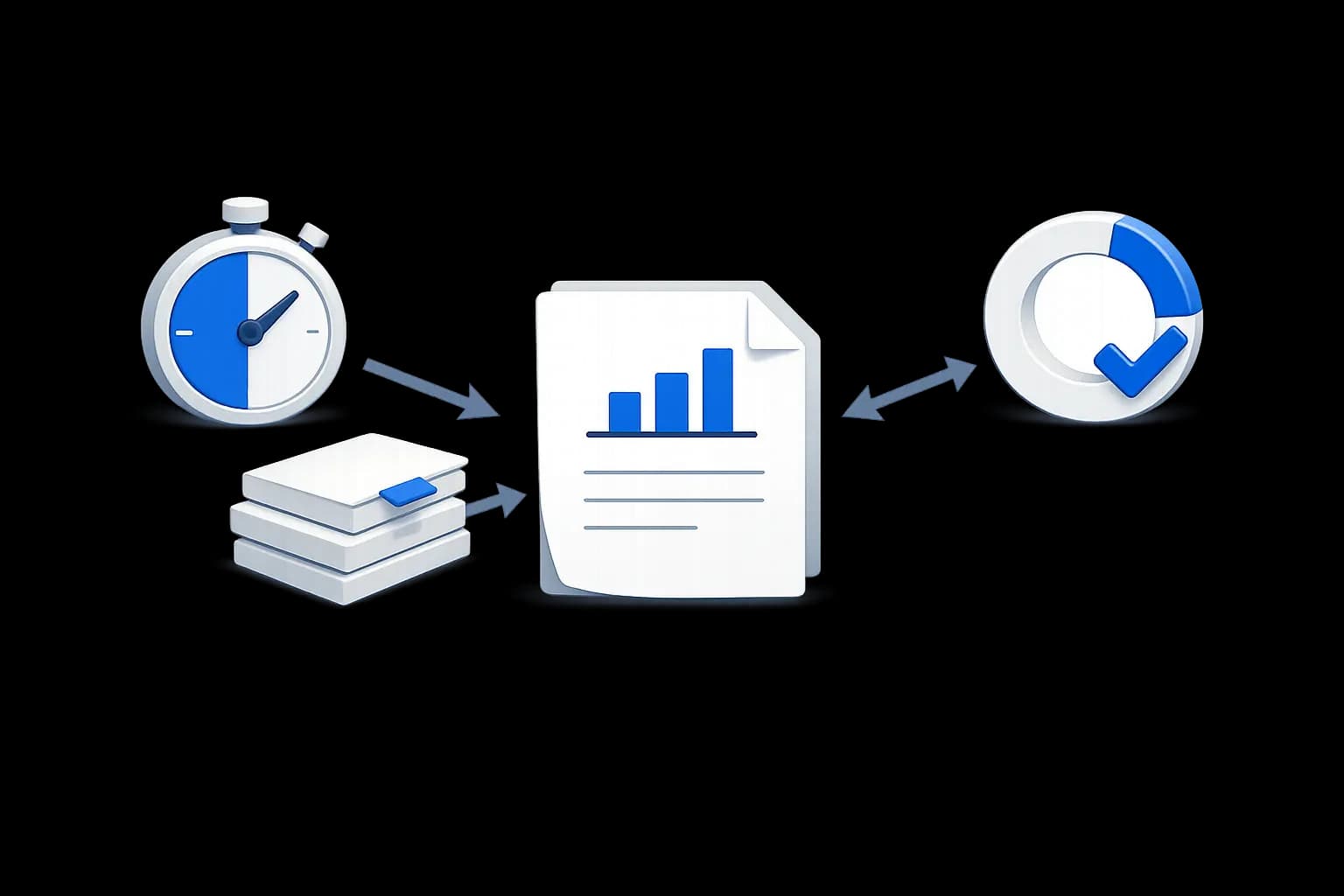
Lynka support reporting focuses on five operational questions: how much work arrived, how quickly customers were answered, how long cases took to finish, what remains open and whether SLA commitments were met.

Continue through Customer Support

Customer Support overview

Carry customer context into support and service.

Support Tickets

Carry customer context into support and service.

SLA & Queues

Carry customer context into support and service.

Questions about Support Reporting

Which customer support reports are included?

Incoming Ticket Volume, First Reply Time, Resolution Time, Ticket Backlog by Status and SLA Compliance are available.

Lynka

CRM for small businesses with lead generation, sales, quotes, invoicing, inventory, accounting and support.

Ask AI about Lynka

Product

  • Overview
  • Lead Generation
  • Sales
  • Agreements
  • Inventory
  • Accounting
  • Support
  • Marketing
  • Reporting

Built For

  • Overview
  • Small businesses
  • Agencies
  • Consultants & professional services
  • Distributors & wholesalers
  • Field service businesses
  • Small sales teams

Workflows

  • Agency Prospecting
  • Distributor Sales
  • Advisory Billing

Compare

  • vs HubSpot
  • vs Pipedrive
  • vs Zoho CRM
  • vs Excel

Company

  • Pricing
  • About
  • Support
  • Contact
  • Docs
  • Free tools

Legal

  • Privacy Policy
  • Terms of Service
© 2026 Lynka. All rights reserved.