
Build your sales, quotes, inventory and support in one place with Lynka.See pricing
Lynka
PricingAboutSupportDocsFree tools
Sign inStart free

Inventory / Receiving & Stock

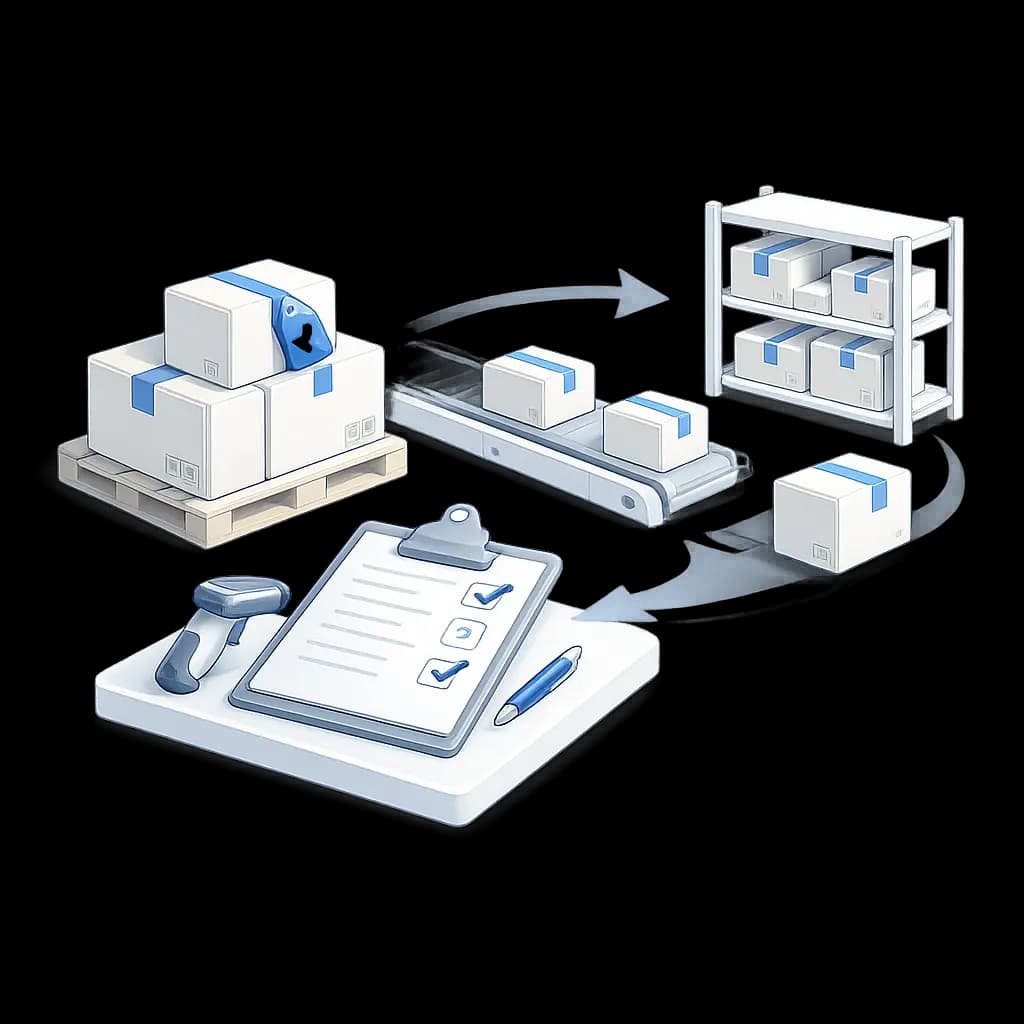
Receive what actually arrived, not what the purchase order expected.

Record accepted, damaged and on-hold quantities against the supplier order, post usable stock into inventory, and leave the receipt available when Accounts Payable checks the bill later.

Start freeSee pricing
Pipeline illustration
OverviewProductsSuppliersPurchase OrdersReceiving & StockStock ControlInventory Valuation

Record the supplier delivery against the purchase order

A goods receipt can reference the supplier and purchase order and keep its own receipt number, date, delivery-note number, receiver and notes.

Each received product can point back to the PO product it belongs to, which is what lets Lynka compare ordered quantity with what actually arrived.

Lynka
Products
Suppliers
Purchase Orders
Goods Receipts
Create product
⌂
◔
≣
⌁
▦
Search products...
My records
Product
SKU
Price
Status
Brand
Lemon CRM Suite
PRD-0007
USD 200.00
Active
Northstar
Launch Kit
PRD-0004
USD 30,000.00
Active
BluePeak
Support Add-on
PRD-0008
USD 3,000.00
Active
Cedar Grove
Service Credit
PRD-0011
USD 110.00
Inactive
Atlas
Launch Kit
PRD-0004
Product information
Pricing
Stock
Related
Product name
Launch Kit
Description
Implementation and setup bundle
Category
Services
Brand
BluePeak
Item type
Stocked item
Installation
Standard product

Separate usable stock from damaged or held quantity

Received products can record total received quantity along with accepted, damaged and on-hold quantities.

Accepted quantity drives the purchase-order received total and the stock increase for stocked products, while damaged and on-hold quantities remain separate.

Lynka
Products
Suppliers
Purchase Orders
Goods Receipts
Create product
⌂
◔
≣
⌁
▦
Search products...
My records
Product
SKU
Price
Status
Brand
Lemon CRM Suite
PRD-0007
USD 200.00
Active
Northstar
Launch Kit
PRD-0004
USD 30,000.00
Active
BluePeak
Support Add-on
PRD-0008
USD 3,000.00
Active
Cedar Grove
Service Credit
PRD-0011
USD 110.00
Inactive
Atlas
Launch Kit
PRD-0004
Product information
Pricing
Stock
Related
Product name
Launch Kit
Description
Implementation and setup bundle
Category
Services
Brand
BluePeak
Item type
Stocked item
Installation
Standard product

Post several receipts against one supplier order

A supplier does not have to deliver the whole PO at once. Each posted goods receipt contributes accepted quantity back to the relevant purchase-order products.

Lynka recalculates whether the PO is partially received or fully received from the accumulated posted receipts.

Lynka
Products
Suppliers
Purchase Orders
Goods Receipts
Create product
⌂
◔
≣
⌁
▦
Search products...
My records
Product
SKU
Price
Status
Brand
Lemon CRM Suite
PRD-0007
USD 200.00
Active
Northstar
Launch Kit
PRD-0004
USD 30,000.00
Active
BluePeak
Support Add-on
PRD-0008
USD 3,000.00
Active
Cedar Grove
Service Credit
PRD-0011
USD 110.00
Inactive
Atlas
Launch Kit
PRD-0004
Product information
Pricing
Stock
Related
Product name
Launch Kit
Description
Implementation and setup bundle
Category
Services
Brand
BluePeak
Item type
Stocked item
Installation
Standard product

Post accepted stocked goods into inventory

When a goods receipt is posted, Lynka applies accepted quantity to stocked products through a stock movement linked to the receipt.

Non-stocked products can appear on a receipt without creating physical stock.

Lynka
Products
Suppliers
Purchase Orders
Goods Receipts
Create product
⌂
◔
≣
⌁
▦
Search products...
My records
Product
SKU
Price
Status
Brand
Lemon CRM Suite
PRD-0007
USD 200.00
Active
Northstar
Launch Kit
PRD-0004
USD 30,000.00
Active
BluePeak
Support Add-on
PRD-0008
USD 3,000.00
Active
Cedar Grove
Service Credit
PRD-0011
USD 110.00
Inactive
Atlas
Launch Kit
PRD-0004
Product information
Pricing
Stock
Related
Product name
Launch Kit
Description
Implementation and setup bundle
Category
Services
Brand
BluePeak
Item type
Stocked item
Installation
Standard product

Update weighted product cost from the accepted incoming stock

For a posted stocked product, Lynka calculates a weighted cost using the prior stock and cost together with the newly accepted quantity at its base-currency unit cost.

The resulting product cost and the stock movement retain the receipt and cost details instead of changing product cost with no explanation.

Keep receiving problems visible instead of silently posting them

Receipt products carry an inventory-posting state and can store an error when the accepted stock could not be applied safely, for example when trustworthy base-currency cost information is missing.

Inventory hub data can surface receipt lines that need posting review alongside damaged and on-hold quantities.

Use the receipt when the supplier bill arrives

Supplier bills can link to a goods receipt and allocate billed quantity against receipt products.

That gives Accounts Payable the receiving evidence it needs for three-way matching and for received-not-billed reporting when goods have arrived but no supplier bill is linked yet.

Generate a goods receipt document

Lynka can generate a goods-receipt PDF from the receiving record when a document is needed.

The same posted receiving record that updates purchasing and stock can therefore produce a document for the operational record.

Accepted stock can update weighted product cost

When a posted receipt is applied to a stocked product, Lynka can use the accepted quantity and the base-currency receiving cost to update the product's weighted average cost.

If a trustworthy base-currency cost cannot be established for a foreign-currency receipt, the inventory posting can fail for review instead of inventing the cost needed for valuation.

Keep a receiving document with the receiving record

The goods-receipt PDF comes from the same receiving record that keeps the supplier, purchase order, receipt date, accepted quantity, damaged quantity and on-hold quantity used by Inventory.

That gives Purchasing and the warehouse both a document and a structured receiving history without asking Finance to infer what happened from the supplier bill later.

That difference matters when deliveries are partial, damaged, delayed or billed later.

Receiving is where the purchase order meets the warehouse. Lynka records the physical delivery separately so ordered quantity does not become stock until a posted receipt says what was actually accepted.

Continue through Inventory

Inventory overview

Keep products, suppliers, purchasing and stock connected.

Products

Keep products, suppliers, purchasing and stock connected.

Suppliers

Keep products, suppliers, purchasing and stock connected.

Purchase Orders

Keep products, suppliers, purchasing and stock connected.

Questions about Receiving & Stock

Can one purchase order have several goods receipts?

Yes. Multiple posted receipts can contribute accepted quantities to the same purchase order.

Lynka

CRM for small businesses with lead generation, sales, quotes, invoicing, inventory, accounting and support.

Ask AI about Lynka

Product

  • Overview
  • Lead Generation
  • Sales
  • Agreements
  • Inventory
  • Accounting
  • Support
  • Marketing
  • Reporting

Built For

  • Overview
  • Small businesses
  • Agencies
  • Consultants & professional services
  • Distributors & wholesalers
  • Field service businesses
  • Small sales teams

Workflows

  • Agency Prospecting
  • Distributor Sales
  • Advisory Billing

Compare

  • vs HubSpot
  • vs Pipedrive
  • vs Zoho CRM
  • vs Excel

Company

  • Pricing
  • About
  • Support
  • Contact
  • Docs
  • Free tools

Legal

  • Privacy Policy
  • Terms of Service
© 2026 Lynka. All rights reserved.