
Build your sales, quotes, inventory and support in one place with Lynka.See pricing
Lynka
PricingAboutSupportDocsFree tools
Sign inStart free

Inventory / Stock Control

Check what is here, what is coming and why the quantity changed.

Use stock levels, reorder thresholds, open supplier orders and movement history together before the next purchasing or customer-delivery decision.

Start freeSee pricing
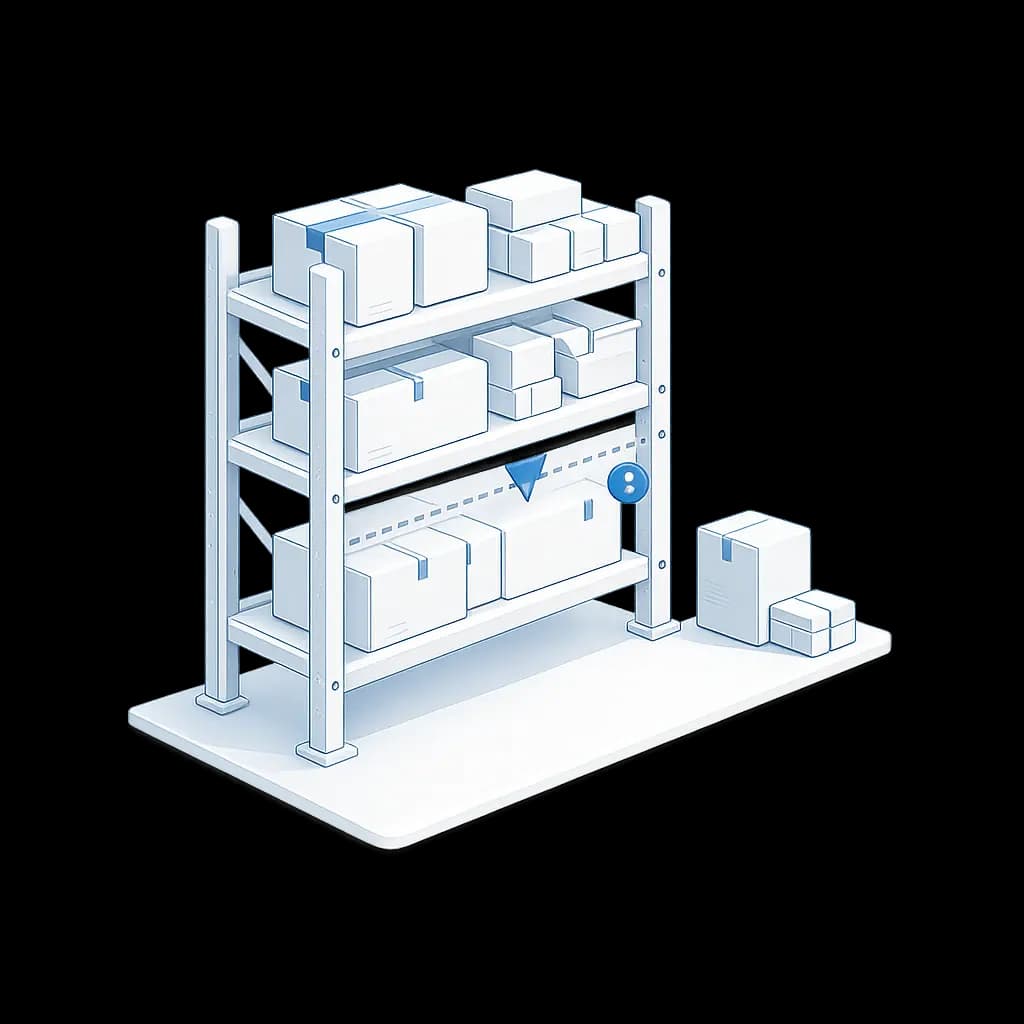
Pipeline illustration
OverviewProductsSuppliersPurchase OrdersReceiving & StockStock ControlInventory Valuation

Start with the stock quantity on the product

Stocked products keep a current stock level that is updated through controlled stock movements rather than casual direct edits.

Manual stock adjustments require a reason, and some adjustment types also require a written explanation.

Lynka
Products
Suppliers
Purchase Orders
Goods Receipts
Create product
⌂
◔
≣
⌁
▦
Search products...
My records
Product
SKU
Price
Status
Brand
Lemon CRM Suite
PRD-0007
USD 200.00
Active
Northstar
Launch Kit
PRD-0004
USD 30,000.00
Active
BluePeak
Support Add-on
PRD-0008
USD 3,000.00
Active
Cedar Grove
Service Credit
PRD-0011
USD 110.00
Inactive
Atlas
Launch Kit
PRD-0004
Product information
Pricing
Stock
Related
Product name
Launch Kit
Description
Implementation and setup bundle
Category
Services
Brand
BluePeak
Item type
Stocked item
Installation
Standard product

Use the Reorder List as a buying prompt

Each stocked product can have a minimum-stock threshold. Reorder List identifies products at or below that threshold.

Lynka does not claim that the threshold automatically purchases the item. The buyer can review the product, supplier options and incoming stock before creating a PO.

Lynka
Products
Suppliers
Purchase Orders
Goods Receipts
Create product
⌂
◔
≣
⌁
▦
Search products...
My records
Product
SKU
Price
Status
Brand
Lemon CRM Suite
PRD-0007
USD 200.00
Active
Northstar
Launch Kit
PRD-0004
USD 30,000.00
Active
BluePeak
Support Add-on
PRD-0008
USD 3,000.00
Active
Cedar Grove
Service Credit
PRD-0011
USD 110.00
Inactive
Atlas
Launch Kit
PRD-0004
Product information
Pricing
Stock
Related
Product name
Launch Kit
Description
Implementation and setup bundle
Category
Services
Brand
BluePeak
Item type
Stocked item
Installation
Standard product

Check what is already on order before buying again

Goods in Transit shows outstanding quantities on open purchase orders. Inventory hub data can also show open and overdue purchase orders and expected dates.

That gives Purchasing a different answer from stock on hand: not “what is here?” but “what is still expected from suppliers?”

Lynka
Products
Suppliers
Purchase Orders
Goods Receipts
Create product
⌂
◔
≣
⌁
▦
Search products...
My records
Product
SKU
Price
Status
Brand
Lemon CRM Suite
PRD-0007
USD 200.00
Active
Northstar
Launch Kit
PRD-0004
USD 30,000.00
Active
BluePeak
Support Add-on
PRD-0008
USD 3,000.00
Active
Cedar Grove
Service Credit
PRD-0011
USD 110.00
Inactive
Atlas
Launch Kit
PRD-0004
Product information
Pricing
Stock
Related
Product name
Launch Kit
Description
Implementation and setup bundle
Category
Services
Brand
BluePeak
Item type
Stocked item
Installation
Standard product

Trace quantity changes through stock movements

Stock movements record product, quantity change, movement type, reference, reason, source and cost basis when available.

Receiving, fulfillment and manual adjustments can therefore leave different movement evidence instead of all changing the product balance with no explanation.

Receiving against the purchase order
Goods receipt and stock movement in the same scene.
PO line
Ordered
Received
Status
Launch Kit
25
25
Complete
Support Add-on
10
8
Partial
Onsite training
4
4
Complete
Stock movement
The operational audit beside the receipt.
Warehouse
Main storage
Receipt number
GRN-10024
Matched supplier
Summit Supply Co.
Updated inventory
33 units now available
Last movement
Posted Sep 04, 2026

Find products that are sitting without enough sales

Slow Moving Stock uses sales activity together with current stock to identify products with weak or no recent movement.

The underlying view can include sold quantity, sold value, last sale date, sell-through rate and days since last sale, giving Purchasing more evidence before adding more stock.

Distinguish available stock from incoming stock

The Available Stock report measures inventory that is available after the report’s reservation logic, while Goods in Transit measures supply that has not been received yet.

Keeping those views separate avoids promising a customer stock merely because the business has an open supplier order.

Respect the rules around negative inventory and posting

Outbound stock posting can respect the workspace rule that controls whether inventory may go negative.

That matters for fulfillment and adjustments because a system should not silently create impossible stock just to let a transaction through.

Manual stock changes need a reason

Lynka has a dedicated stock-adjustment process for changes that do not come from receiving or customer fulfillment. The adjustment requires a reason code, and a free-form note is required for an uncategorized manual reason.

The adjustment becomes a stock movement with the effective date, reference and user behind it. That is much easier to investigate later than editing the product quantity directly.

Choose whether fulfillment is allowed to take stock below zero

When negative stock is not allowed, posting a customer fulfillment can check the requested quantity against stock on hand and stop the posting when there is a shortage.

A workspace preference can allow negative stock when the business deliberately works that way. The rule belongs to the posting behavior rather than to an informal promise that staff will remember not to oversell.

That makes the stock figure easier to trust and the purchasing decision easier to explain.

Stock control gets difficult when one number has to mean everything. On-hand quantity, available stock, incoming supply and slow-moving inventory answer different questions, so Lynka keeps them as different views.

Continue through Inventory

Inventory overview

Keep products, suppliers, purchasing and stock connected.

Products

Keep products, suppliers, purchasing and stock connected.

Suppliers

Keep products, suppliers, purchasing and stock connected.

Purchase Orders

Keep products, suppliers, purchasing and stock connected.

Questions about Stock Control

Can I set a minimum stock level?

Yes. Stocked products can have a minimum-stock threshold used by the Reorder List.

Lynka

CRM for small businesses with lead generation, sales, quotes, invoicing, inventory, accounting and support.

Ask AI about Lynka

Product

  • Overview
  • Lead Generation
  • Sales
  • Agreements
  • Inventory
  • Accounting
  • Support
  • Marketing
  • Reporting

Built For

  • Overview
  • Small businesses
  • Agencies
  • Consultants & professional services
  • Distributors & wholesalers
  • Field service businesses
  • Small sales teams

Workflows

  • Agency Prospecting
  • Distributor Sales
  • Advisory Billing

Compare

  • vs HubSpot
  • vs Pipedrive
  • vs Zoho CRM
  • vs Excel

Company

  • Pricing
  • About
  • Support
  • Contact
  • Docs
  • Free tools

Legal

  • Privacy Policy
  • Terms of Service
© 2026 Lynka. All rights reserved.