
Build your sales, quotes, inventory and support in one place with Lynka.See pricing
Lynka
PricingAboutSupportDocsFree tools
Sign inStart free

Accounting / Chart of Accounts

Build the account structure your journals and financial reports will use.

Organize accounts by type and hierarchy, control which accounts accept postings, and map products and supplier activity into the ledger structure used by Lynka reports.

Start freeSee pricing
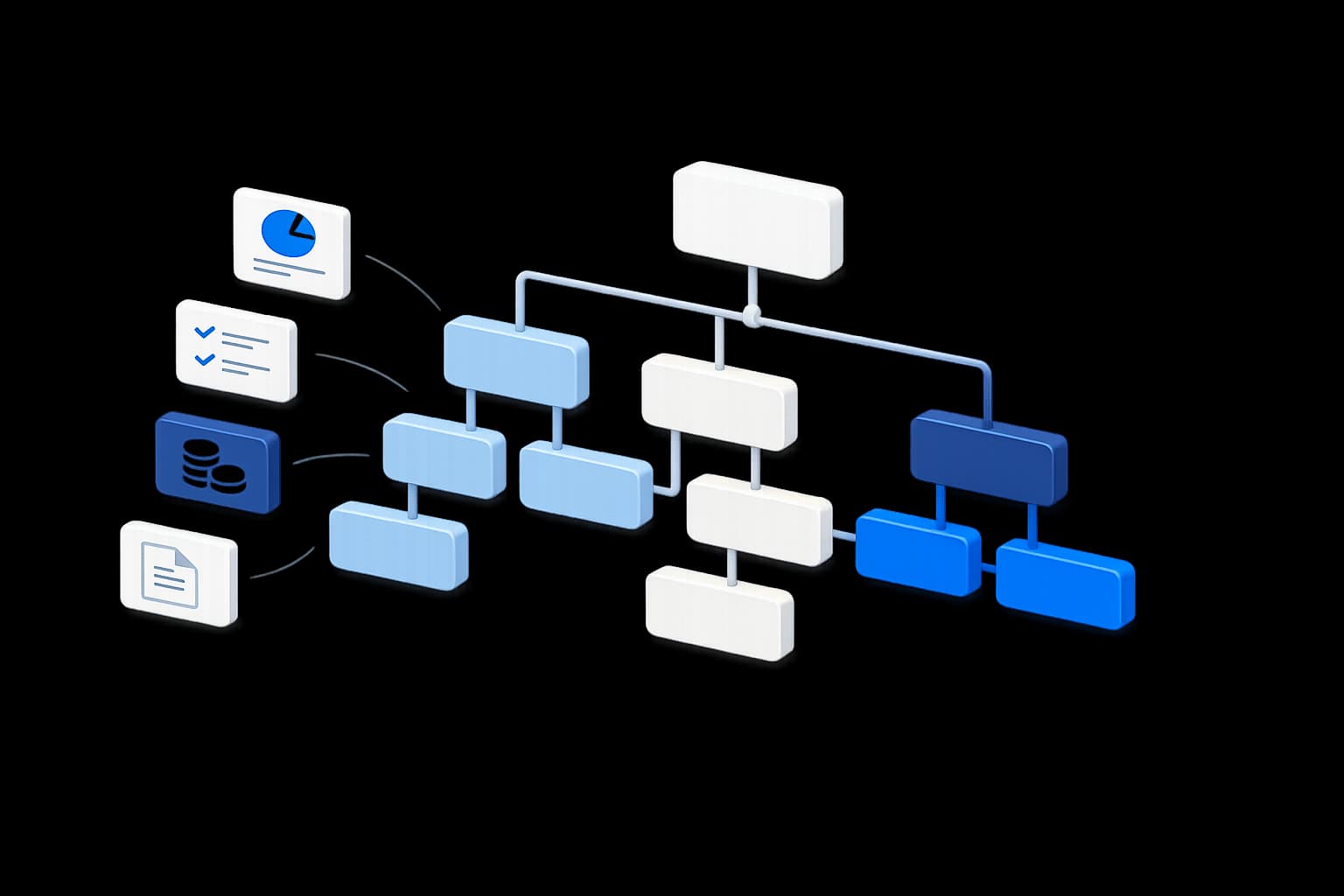
Pipeline illustration
OverviewChart of AccountsJournalsBank ReconciliationAccounts PayableFinancial ReportsMulti-CurrencyAccounting Periods

Build the account structure behind the books

Lynka accounts carry a code, name, type and optional parent account. The structure can separate assets, liabilities, equity, revenue and expenses while letting detailed accounts roll up under broader financial headings.

Additional classification fields support class, subclass, group and level information when the chart needs more structure than a flat account list.

Chart of accounts and journals
Operational close-up using the same Lynka visual language.
Search accounts...
New journal
Account
Type
Balance
4000 · Revenue
Income
USD 126,320
1200 · Accounts receivable
Asset
USD 31,450
2100 · Tax payable
Liability
USD 9,884
5100 · Cost of service
Expense
USD 58,210
Latest journal
The selected entry beside the ledger.
Reference
JRN-2026-104
Source
Invoice posting
Status
Posted
Debit
USD 1,352.57
Credit
USD 1,352.57

Decide which accounts are allowed to receive journal entries

Each account has a posting control. An account can exist as part of the reporting structure without accepting journal activity directly.

That helps avoid posting transactions into summary headings that were only meant to organize the chart.

Lynka
Banking
Reconciliation
Journals
Reports
Match selected
⌂
◔
≣
⌁
▦
Bank statement
Date
Description
Amount
Sep 04
BluePeak Trading transfer
USD 1,352.57
Sep 04
Card settlement
USD 820.00
Sep 03
Supplier payout
USD -540.20
Suggested match
Document
INV-2068
Customer
BluePeak Trading
Open balance
USD 1,352.57
Confidence
98%
Result
Ready to reconcile

Keep accounting behavior with the account definition

Accounts can store their normal debit or credit side, whether they represent a bank account and whether they are eligible for foreign-currency revaluation.

Those settings give Finance a more explicit ledger structure than an account name alone.

Lynka
Banking
Reconciliation
Journals
Reports
Match selected
⌂
◔
≣
⌁
▦
Bank statement
Date
Description
Amount
Sep 04
BluePeak Trading transfer
USD 1,352.57
Sep 04
Card settlement
USD 820.00
Sep 03
Supplier payout
USD -540.20
Suggested match
Document
INV-2068
Customer
BluePeak Trading
Open balance
USD 1,352.57
Confidence
98%
Result
Ready to reconcile

Map products to the accounts used when they are sold or delivered

Product records can point to revenue, cost-of-goods-sold and inventory-asset accounts.

When related operational activity is posted, those mappings provide the accounting destination for the same product already used by Sales, Purchasing and Inventory.

Lynka
Banking
Reconciliation
Journals
Reports
Match selected
⌂
◔
≣
⌁
▦
Bank statement
Date
Description
Amount
Sep 04
BluePeak Trading transfer
USD 1,352.57
Sep 04
Card settlement
USD 820.00
Sep 03
Supplier payout
USD -540.20
Suggested match
Document
INV-2068
Customer
BluePeak Trading
Open balance
USD 1,352.57
Confidence
98%
Result
Ready to reconcile

Give supplier purchasing a defined payable and expense treatment

Supplier records can hold default payable and expense account references, while bill products can also carry their own account assignment.

That lets supplier billing post into the chart without Finance having to invent an account relationship after every purchase.

Review the balances that sit on the account structure

Chart of Accounts Balances reports posted non-test journal activity in the workspace base currency and shows debit and credit side information.

The same chart also underpins the General Ledger, Trial Balance and the financial statements.

Treat account-structure changes as accounting changes

The account record keeps created and updated timestamps, and Lynka’s broader accounting audit controls preserve important changes around finance configuration and posting.

A chart of accounts is not static forever, but edits should be deliberate because reports and mappings depend on the structure.

Use hierarchy without turning every heading into a posting account

Accounts can have parent relationships, classes, subclasses, groups and levels. That lets Finance organize a readable statement structure while deciding separately which accounts are allowed to receive journal postings.

For example, a parent heading can organize several expense accounts while the actual journals post only to the detailed accounts beneath it.

Mark the accounts that need foreign-currency attention

The account definition can also identify whether an account is relevant for foreign-currency revaluation. That is useful when multi-currency activity exists because not every account should be treated the same way during currency review.

The chart therefore carries accounting behavior, not only names and account numbers.

Lynka keeps that structure connected to operational mappings so the accounting treatment can begin with the product, supplier bill or other source transaction rather than after the fact.

The chart of accounts is not a menu of labels. It is the structure that determines where posted debits and credits sit and how those balances appear in the ledger and financial statements.

Continue through Accounting

Accounting overview

Follow the financial records behind customer work.

Journals

Follow the financial records behind customer work.

Bank Reconciliation

Follow the financial records behind customer work.

Accounts Payable

Follow the financial records behind customer work.

Questions about Chart of Accounts

Can accounts be organized in a hierarchy?

Yes. Accounts can reference parent accounts and carry additional classification fields for class, subclass, group and level.

Lynka

CRM for small businesses with lead generation, sales, quotes, invoicing, inventory, accounting and support.

Ask AI about Lynka

Product

  • Overview
  • Lead Generation
  • Sales
  • Agreements
  • Inventory
  • Accounting
  • Support
  • Marketing
  • Reporting

Built For

  • Overview
  • Small businesses
  • Agencies
  • Consultants & professional services
  • Distributors & wholesalers
  • Field service businesses
  • Small sales teams

Workflows

  • Agency Prospecting
  • Distributor Sales
  • Advisory Billing

Compare

  • vs HubSpot
  • vs Pipedrive
  • vs Zoho CRM
  • vs Excel

Company

  • Pricing
  • About
  • Support
  • Contact
  • Docs
  • Free tools

Legal

  • Privacy Policy
  • Terms of Service
© 2026 Lynka. All rights reserved.